The scoreboard for any sport.
Tap to add a point. Use the timer and sets when your game needs them, and review the result afterwards. Scoreboard – Track Score is free on Android and iPhone.
Score, time and sets
Set up the board for your game, then keep the score as you play.
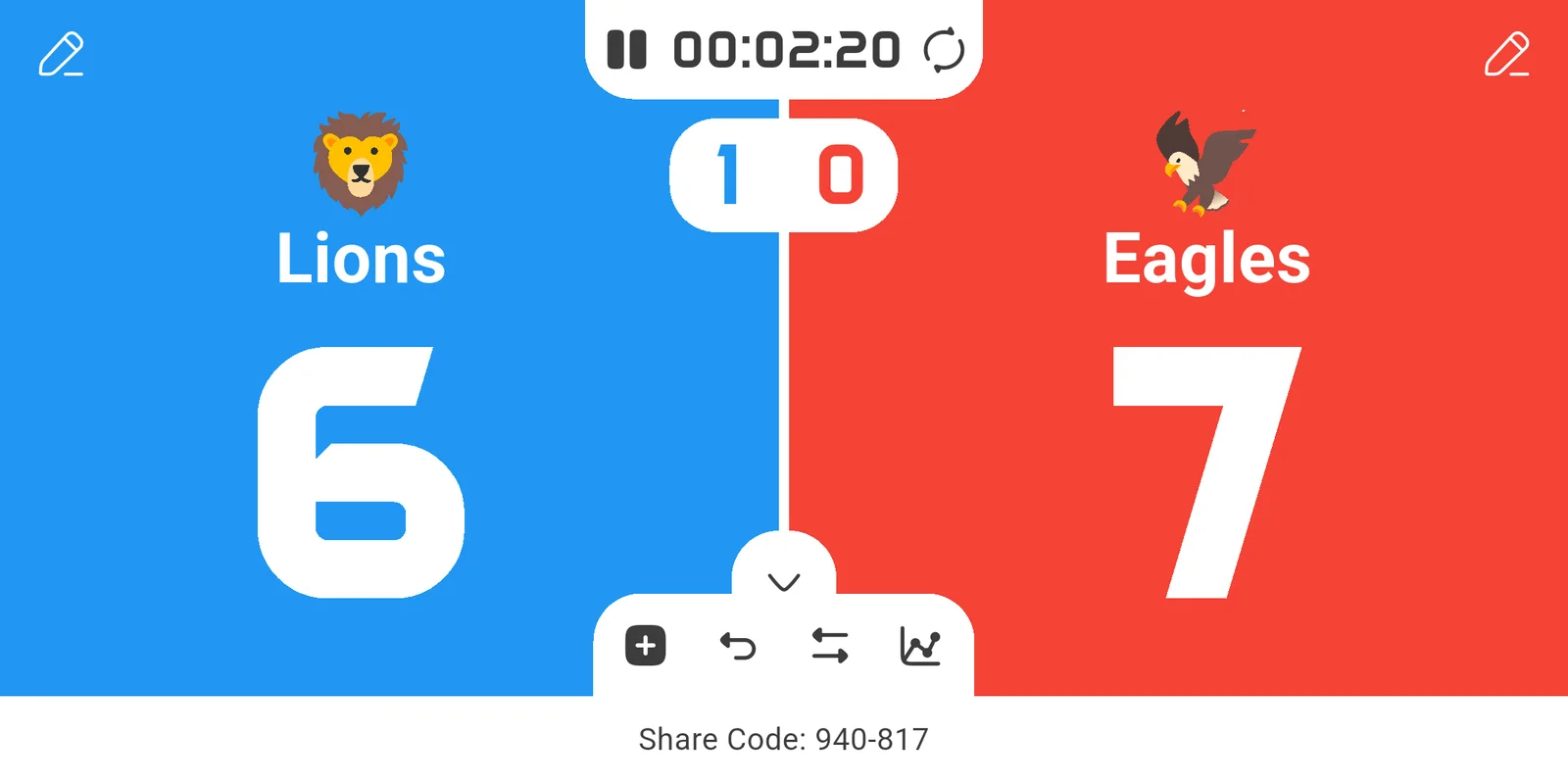
Tap to score
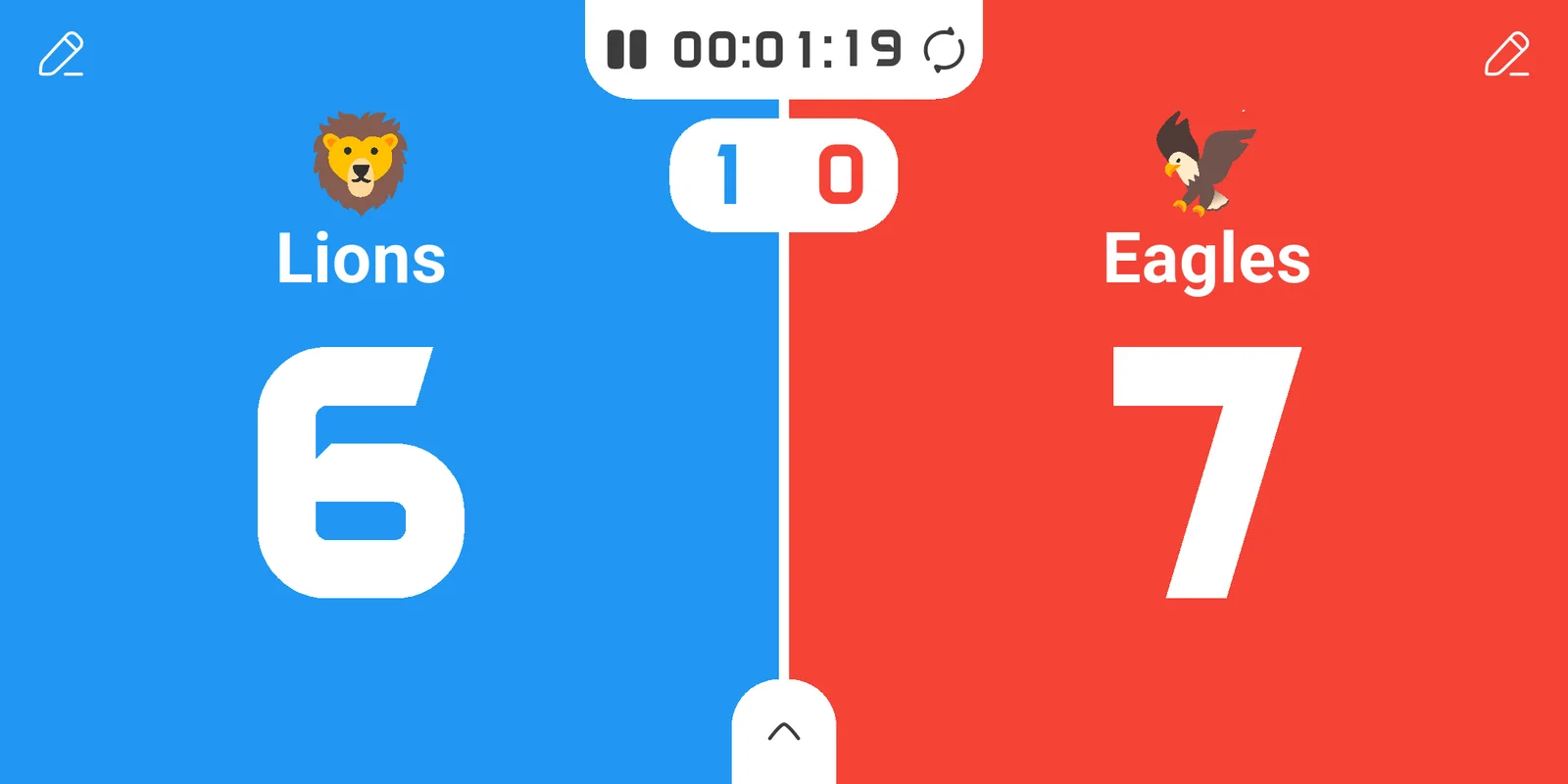
One tap on a side adds a point. Swipe down to take it back, undo if you slip.
Timer
A stopwatch or a countdown right on the board, for halves, quarters and time-outs.
Sets
Choose the points to win a set and keep the count of the sets won in the middle.
Your teams, your colors
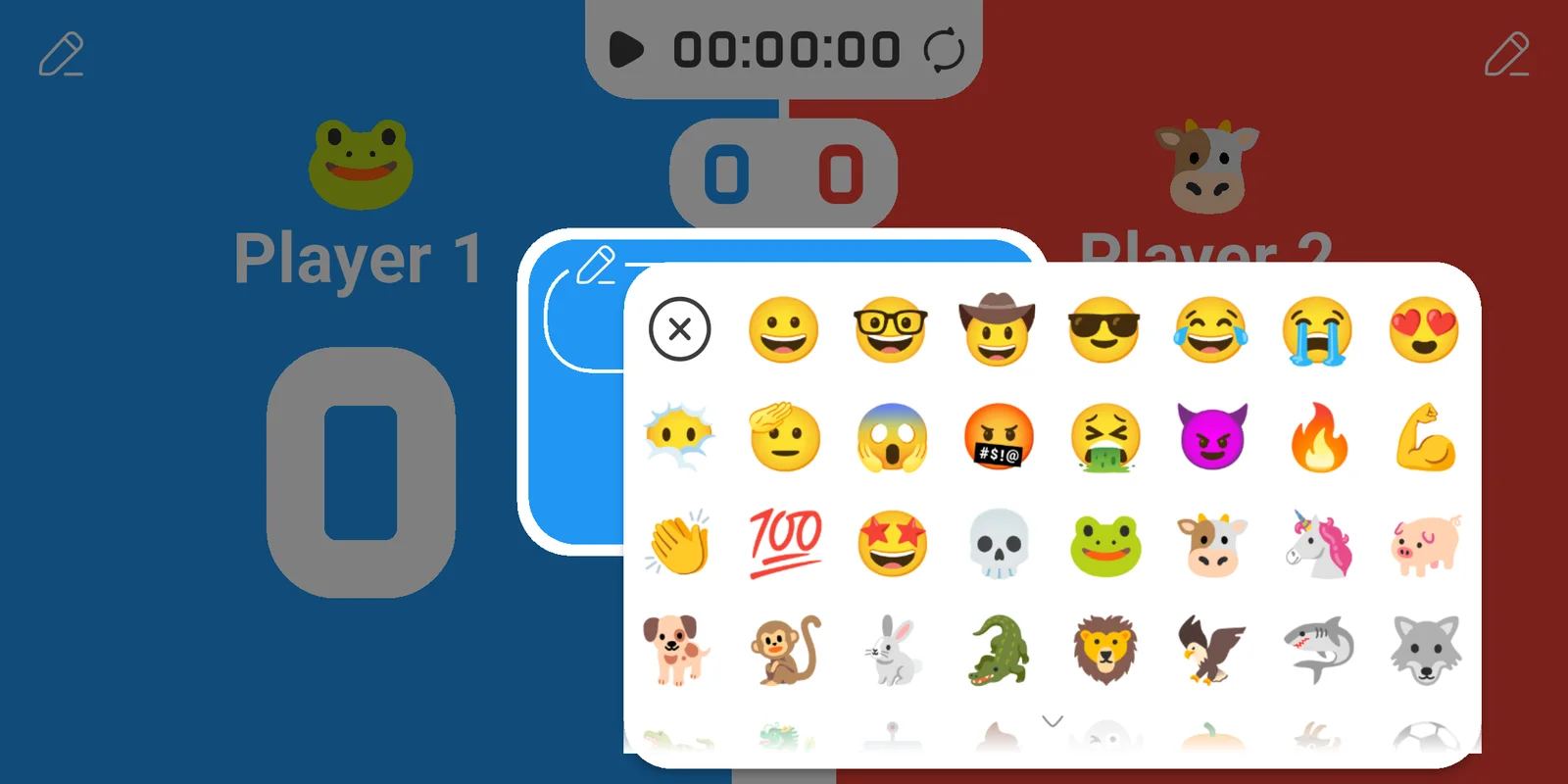
Give each side a name, color and animated icon.
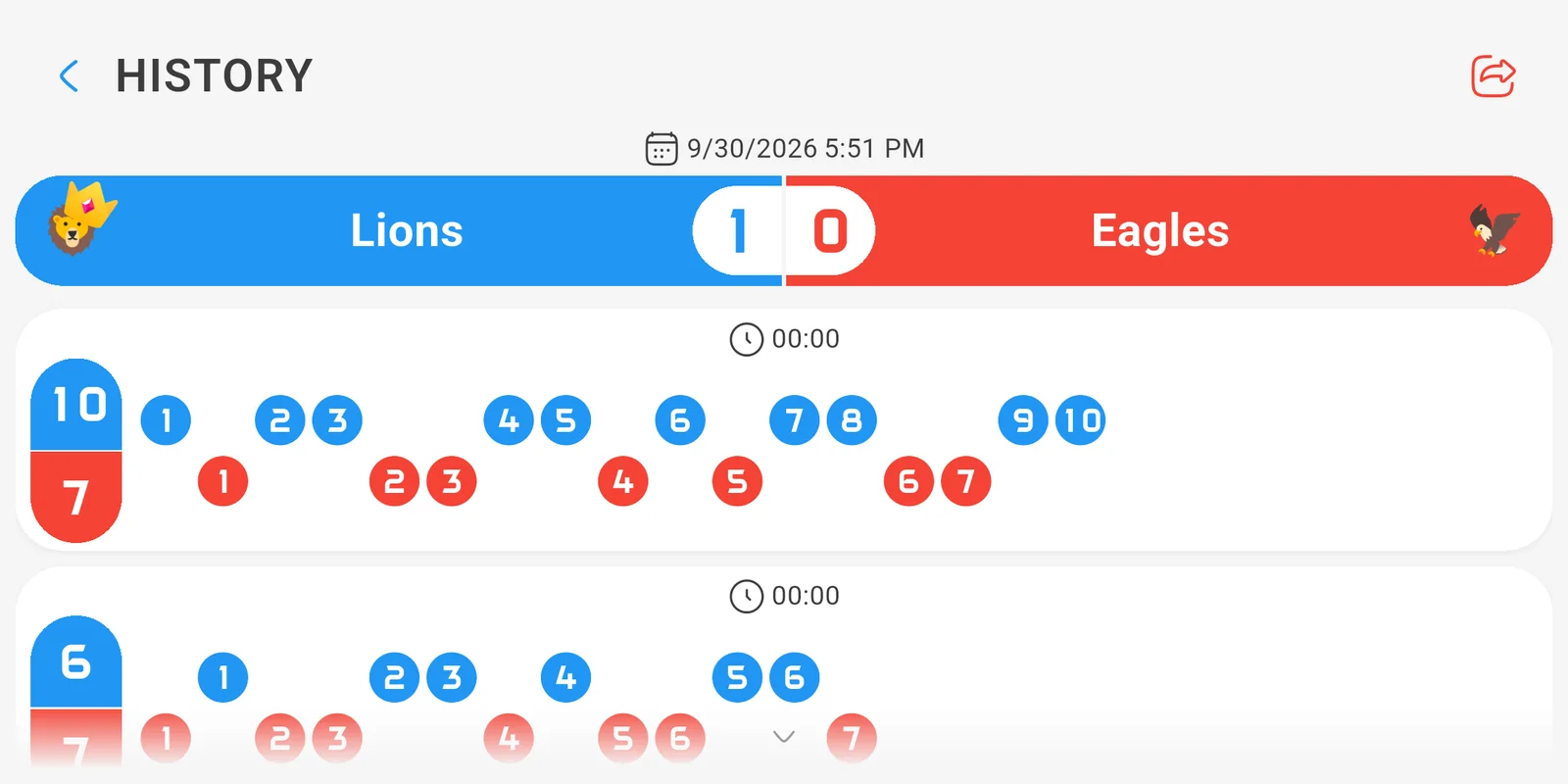
History & timeline
Review saved matches and the order in which points were scored.
Share it live
Friends follow the score on their own phone with a share code, while you play.
Take a look
Questions
Is it free?
Yes. Scoreboard – Track Score is free to download and use, with ads. Premium removes the ads and unlocks a few extras.
Which sports can I use it for?
Any game that counts points: basketball, football, volleyball, tennis, padel, ping pong, badminton, hockey, darts, bowling, card and board games. Sets and timer are there when your sport needs them, and out of the way when it doesn't.
Can other people follow the match?
Yes. Start sharing the match and send the share code: whoever has the app, on Android or iPhone, sees the score change live on their phone.
Does it work without internet?
Keeping score does. Only sharing a match live needs a connection.
Can it say the score out loud?
Yes, turn on the voice in the settings and the app reads the score after every point.
Which languages does it speak?
More than 30, from English, Italian and Spanish to Japanese, Arabic and Thai.
 Scoreboard – Volleyball
 Scoreboard – Soccer
 Tactics Board – Soccer
 Scoreboard Multi